
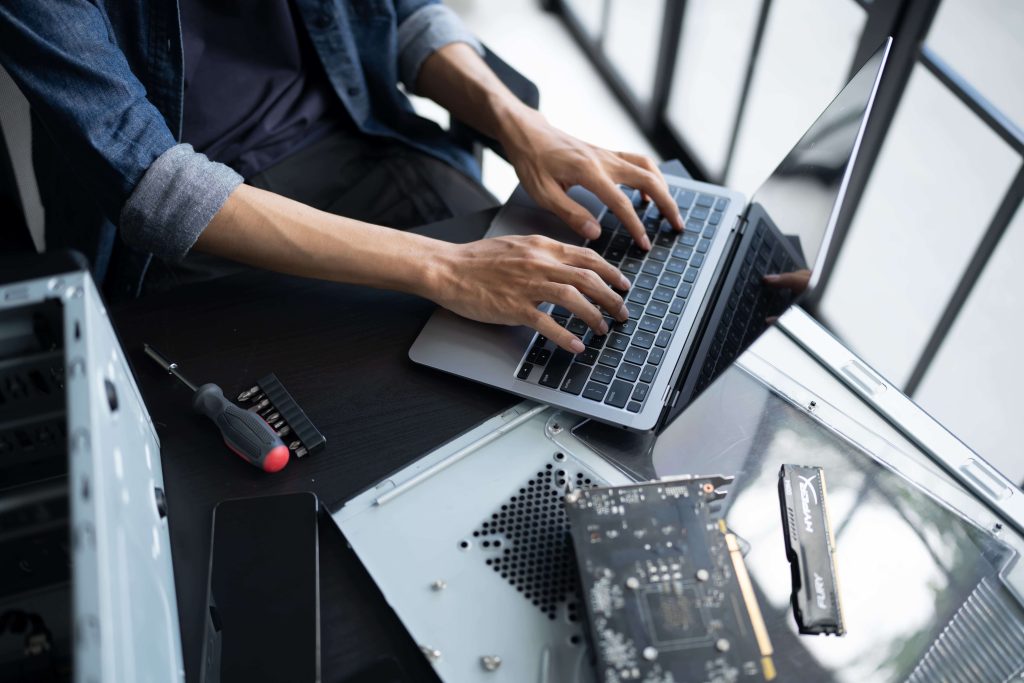
Why Laptop Performance Directly Impacts Business Productivity
A laptop that takes an extra minute to start may not seem like a serious business problem. But when employees repeatedly wait for applications to load, deal with unexpected crashes, or search for an available charger because a battery no longer holds a charge, those small interruptions add up.
Business laptops handle everything from emails and video calls to accounting software, customer records, project files, and daily operations. When they stop performing reliably, productivity can quickly suffer.
The challenge is knowing when a minor inconvenience has become a repair issue. Some problems can be corrected through routine updates or maintenance, while others point to failing hardware or software that needs professional attention.
Recognizing the warning signs early can help your business address problems before they turn into longer periods of downtime, lost files, or an unexpected laptop replacement.
5 Signs Your Business Laptops Need Repair
Laptop problems rarely appear without warning. Changes in speed, temperature, battery life, or system stability can all signal that something needs attention. Here are five signs that it may be time to consider professional laptop repair services.
Sign 1: Your Laptop Is Running Noticeably Slower Than Usual
Every computer slows down occasionally, especially when several demanding programs are open at once. However, consistent slow performance is different.
If employees regularly wait for laptops to boot, applications freeze while opening, or switching between programs takes longer than it used to, there may be an underlying issue.
Every computer slows down occasionally, especially when several demanding programs are open at once. However, consistent slow performance is different.
If employees regularly wait for laptops to boot, applications freeze while opening, or switching between programs takes longer than it used to, there may be an underlying issue.
Possible causes include:
- Insufficient RAM for current workloads
- Limited or failing storage
- Malware or unnecessary background processes
- Operating system problems
- Outdated or failing hardware
A slow laptop fix should start with identifying the actual cause rather than immediately replacing the device. In some cases, an SSD installation, RAM upgrade, software troubleshooting, or system optimization can significantly improve performance.
For businesses experiencing these issues, professional computer and laptop repair services can help determine whether a repair, upgrade, or replacement makes the most sense.
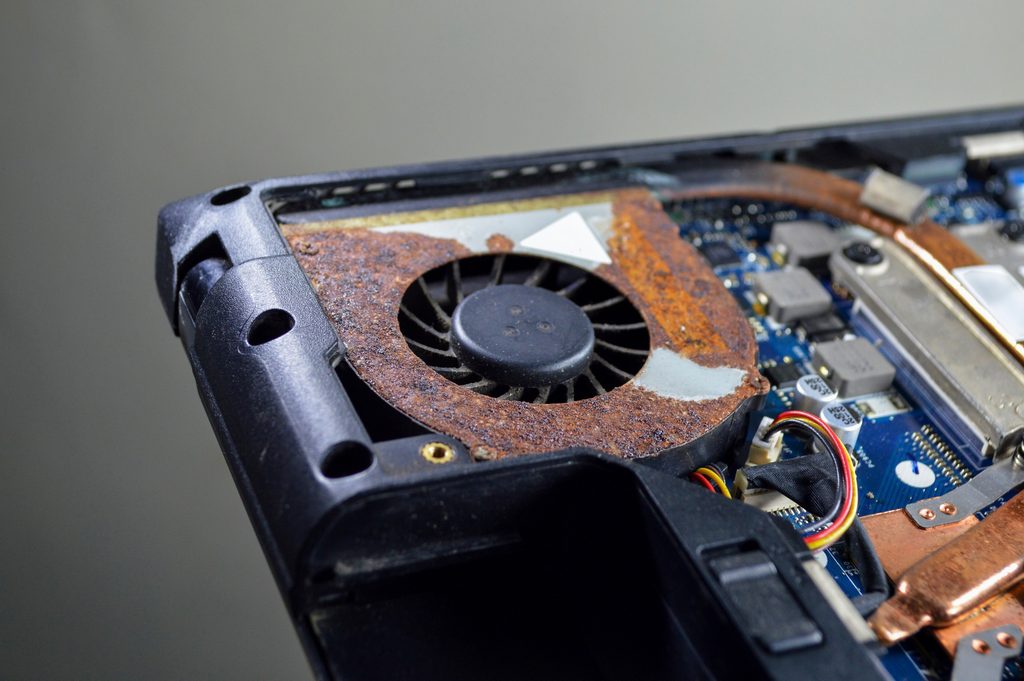
Sign 2: Frequent Overheating or Loud Fan Noise
A laptop will naturally generate heat while working, but it should not constantly feel excessively hot or sound like its fan is running at full speed.
Dust buildup, blocked vents, cooling-system problems, or components working harder than necessary can cause temperatures to rise. Over time, excessive heat can affect performance and potentially damage internal components.
Warning signs can include a fan that remains unusually loud, unexpected shutdowns, a hot keyboard or underside, and noticeable performance drops after the laptop has been running for a while.
Professional laptop maintenance services can help identify whether the issue is related to airflow, internal cleaning, software demands, or a failing component. Addressing overheating early is especially important for business laptops that operate for several hours every day.
Sign 3: Battery Draining Fast or Not Holding a Charge
Business laptops are valuable partly because employees can work without staying connected to a power outlet. When a laptop that once lasted through meetings suddenly needs to be plugged in constantly, the battery may be approaching the end of its useful life.
Other warning signs include unexpected shutdowns, charging inconsistently, or the battery percentage changing rapidly.
Not every charging issue is caused by the battery itself. Power adapters, charging ports, software settings, and internal components can also contribute to the problem. A professional diagnostic can identify the cause and determine whether battery replacement or another repair is appropriate.
The Computer Shop provides laptop battery and power troubleshooting as part of its repair services, helping businesses restore reliable performance without automatically replacing an otherwise functional device.
Sign 4: Random Crashes, Freezes, or Blue Screens
An occasional application crash happens. Repeated system-wide crashes are another matter.
If a laptop frequently freezes, restarts unexpectedly, displays a blue screen, or fails to boot correctly, the problem may involve the operating system, memory, storage drive, malware, or another hardware component.
Ignoring repeated crashes can be risky when important business information is stored locally. If the storage drive is failing, continued use could make files harder to access or recover.
That makes early diagnostics particularly important. If important files have already become inaccessible, professional data recovery and backup support may also help determine what information can be recovered and how future data loss can be prevented.
Sign 5: Physical Damage or Hardware Malfunctions
Not every laptop problem happens inside the software. Daily business use puts physical stress on screens, keyboards, hinges, charging ports, and other components.
A cracked or flickering display, damaged keyboard, loose hinge, unreliable charging port, or unresponsive touchpad can make a laptop difficult to use even if the computer technically still turns on.
Physical damage should be evaluated before it becomes worse. A damaged hinge, for example, can place additional stress on the display or internal connections every time the laptop is opened.
Professional business laptop repair can determine which component is causing the issue and whether repairing the existing machine is practical. For companies managing several devices, addressing smaller hardware problems early can also help avoid unexpected equipment failures during the workday.
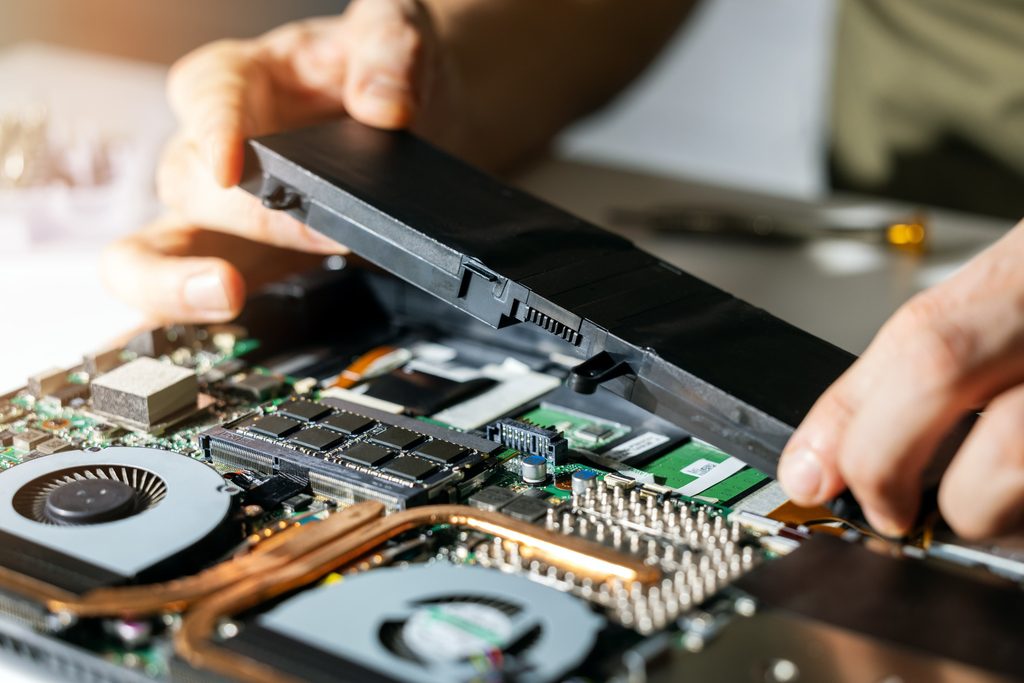
When to Call Professional Laptop Repair Services
You do not need to wait until a laptop completely stops working before having it checked.
Persistent slowdowns, overheating, poor battery life, crashes, and physical damage are all signs that professional diagnostics may be worthwhile. Catching problems early gives your business more options, whether the right solution is a repair, hardware upgrade, software correction, or preventive maintenance.
At The Computer Shop, we help San Antonio businesses troubleshoot laptop and computer problems while keeping downtime to a minimum. From performance upgrades and battery replacements to operating system troubleshooting and data recovery, our goal is to identify the real issue and recommend a practical solution.
And when technology problems extend beyond a single laptop, businesses can also explore our managed IT services in San Antonio for proactive monitoring, maintenance, security, and ongoing technical support.
Is one of your business laptops showing these warning signs? Contact The Computer Shop to have the problem diagnosed before a small issue becomes a bigger disruption.